Will Projection Scenery Work in My Space? A Venue-Readiness Guide

The most common question we hear from directors isn't about our scenes - it's about their venue. "Will this actually work in my space?" It's the right question to ask, and the honest answer is: almost certainly yes, if you check five things first.
None of these require special expertise. You can check every one of them with a tape measure, your venue's light switches, and a free preview scene from us. Here's the checklist we walk through with every school and community theatre that asks.
1. Throw Distance: Measure Before Anything Else
Throw distance is simply how far the projector sits from the surface it's projecting on. Every projector has a throw ratio - a number that tells you how big the image will be at a given distance. A projector with a 1.5 throw ratio filling a 20-foot-wide image needs to sit about 30 feet back.
Grab a tape measure and check two things: the width of the surface you want to fill, and the distance from that surface to wherever a projector could live - a booth, a catwalk, a rear position, or a short-throw unit downstage. With those two numbers, any projector spec sheet will tell you if it fits.
Tight on space? Short-throw and ultra-short-throw projectors exist precisely for venues where you can't get far back. Many school stages project from just a few feet away.
2. Brightness: Lumens vs. Ambient Light
Projectors are measured in lumens, and the rule is simple: the darker your venue, the fewer lumens you need. A small school stage with the house lights off can look fantastic with 4,000-6,000 lumens. A large proscenium stage, or one where some light spills onto the projection surface, will want 8,000 lumens or more.
The biggest brightness killer isn't your stage lighting - it's ambient light you can't control: exit signs bouncing off a glossy floor, an open door to the lobby, skylights in a multipurpose room. Walk your venue during a rehearsal and note what light actually hits your projection surface. That's what your projector has to beat.
One more lever lives in the software itself. SceneCaster has per-scene color correction built in, so a projector that's close can be coaxed a little further by dialing in each scene's brightness, contrast, and color. If your team runs QLab instead, the same adjustments are possible - they live under QLab's video effects, which need a paid Video license rather than the free version. It won't rescue a projector that's simply too dim for your space, and pushing it too far will clip highlights and wash out color, which is exactly what the preview test is there to catch. But once you're in the venue, it's a useful last-mile adjustment.
3. Your Projection Surface: Screen, Cyc, or Wall
You need something to project onto, and you have more options than you might think:
A projection screen - purpose-built, best image quality, and available in front- or rear-projection materials.
A cyclorama (cyc) - if your venue already has a white or light gray cyc, you may already own a perfectly good projection surface.
A wall - a smooth, light-colored, matte upstage wall works surprisingly well. Texture, dark paint, and gloss are the enemies.
Rear projection - projecting from behind a translucent screen - keeps the projector completely out of the audience's sightline and stops actors from casting shadows into the image. It needs space behind the screen, so it feeds straight back into your throw-distance measurement.
4. Sightlines and Shadows
With front projection, actors standing between the projector and the surface will cast shadows. Directors solve this in two ways: blocking scenes so actors work downstage of the throw, or raising the projector and angling down so the beam passes over heads. Keystone correction and lens shift on the projector handle the angle.
This sounds like a limitation, but in practice it shapes staging the same way a physical set does - you quickly stop noticing it. And if your venue allows rear projection, the shadow question disappears entirely.
5. The Only Test That Actually Matters
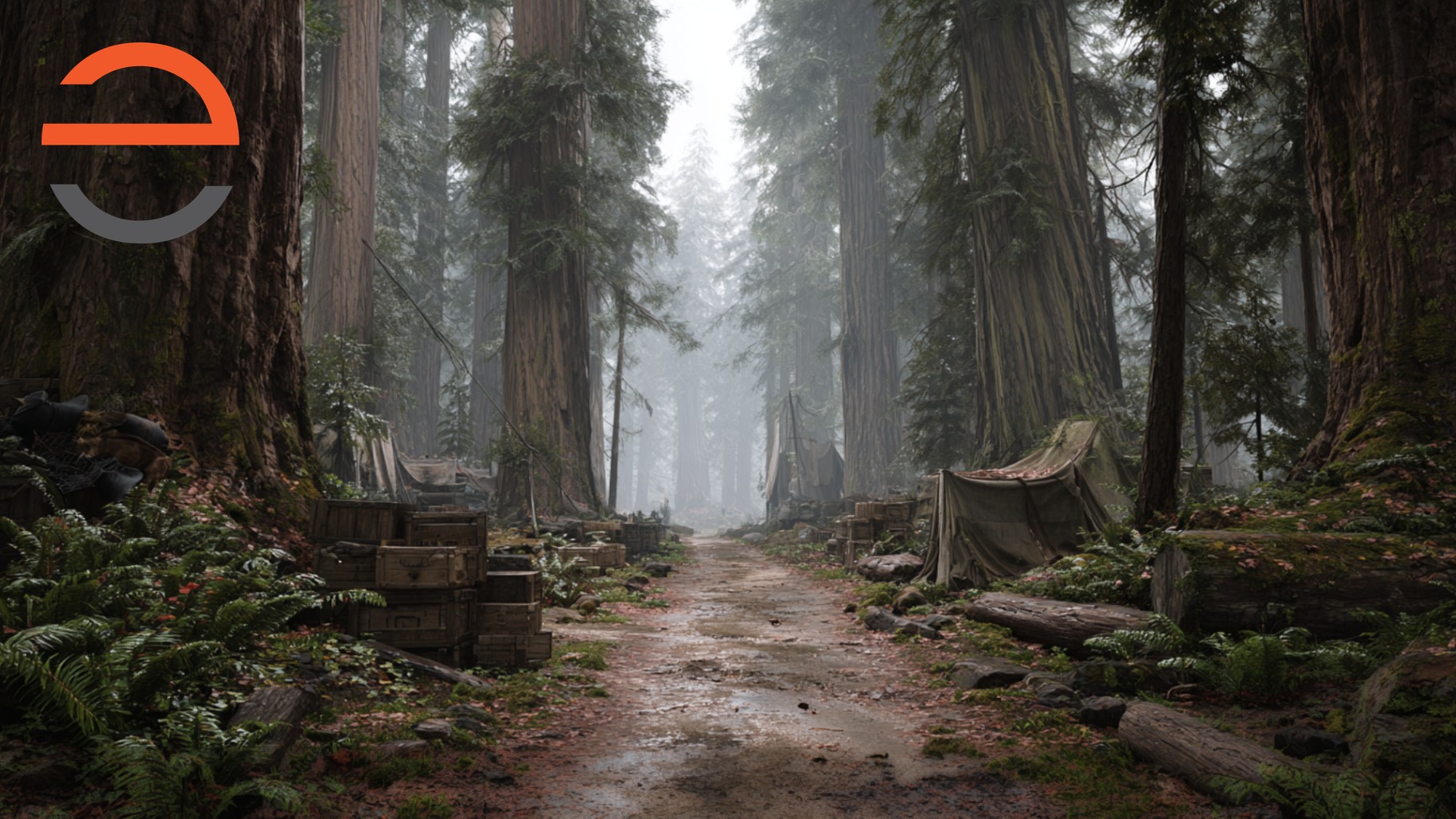
Spec sheets and checklists will get you 90% of the way. The last 10% is seeing it. Every venue has its own quirks - paint color, light spill, sightlines - and the only definitive answer comes from projecting a real scene in your real space.
That's why we give away preview scenes. Pick your show, tell us about your venue, and we'll send you actual scenes to test on your equipment. If it looks great - and it usually does - you'll know exactly what you're buying. If something's off, you'll know that too, before you've spent anything.
A Quick Venue-Readiness Checklist
Before your first projection show, confirm you can answer yes to most of these:
1. I know the width of my projection surface and the distance to where a projector can sit.
2. I can darken my venue during performances, especially light hitting the projection surface.
3. I have a smooth, light-colored surface - screen, cyc, or wall - to project onto.
4. I have a plan for shadows: downstage blocking, an angled projector, or rear projection.
5. I've tested a real scene in my space, or I'm about to.
If you're missing one or two, that's normal - and usually solvable with a short-throw lens, a different projector position, or a portable screen. If you're not sure, that's exactly what the preview is for.
- James
Frequently Asked Questions
How bright a projector do I need for stage projections?
It depends on your stage size and how much ambient light you can control. As a rough guide, small black-box and school stages can work with 4,000-6,000 lumens, while larger proscenium stages often want 8,000 lumens or more. The darker you can keep the stage house, the further your lumens go.
Can I project onto a wall instead of a screen?
Often, yes. A smooth, light-colored, matte wall or cyc works well. Textured, dark, or glossy surfaces will eat brightness and distort the image. If your upstage wall is workable, you may not need to buy a screen at all - test a preview scene on it first.
What is throw distance and why does it matter?
Throw distance is how far the projector sits from the surface it projects on. Every projector has a throw ratio that determines how large the image is at a given distance. Measure the distance available in your venue and check it against the projector's specs before buying or renting.
How can I test projections in my venue before committing?
The most reliable way is to project a real scene in your actual space, under your actual lighting. That's exactly why we offer free preview scenes - request one for your show, load it on a projector, and see the result with your own eyes before spending a dollar.
Can I run your scenes in QLab?
Yes. Our scenes run in both SceneCaster and QLab, so you can use whichever fits your booth. SceneCaster is our purpose-built app - it handles licensing, lays every scene out as a cue in order, and gives you per-scene color correction - but if your team already runs QLab, the scenes work there too.